Changeovers that
run on rails.
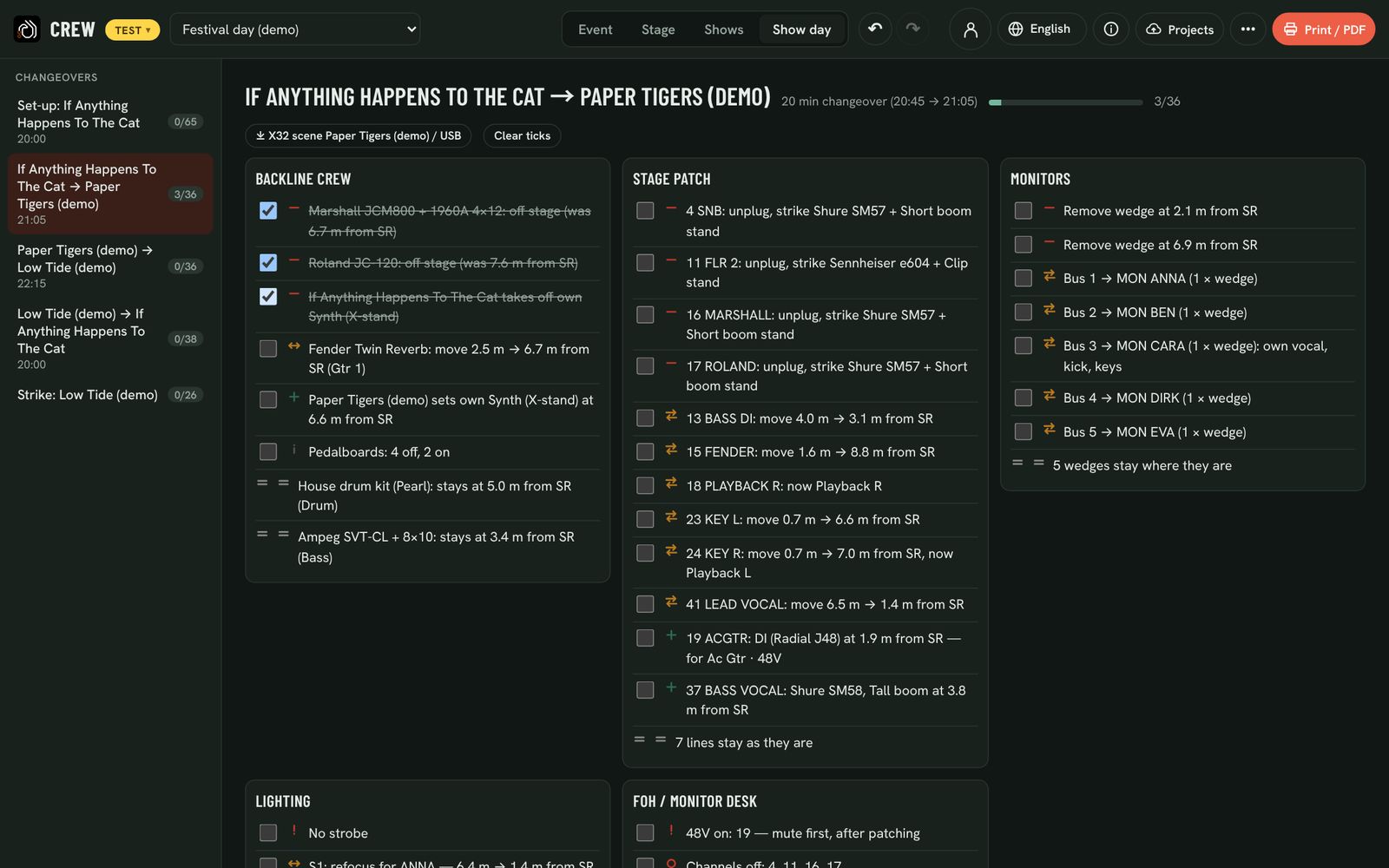
For every switch between two bands, Backlion writes the job list per crew: what comes off, what goes on, what moves and where, in metres from stage right. Everyone ticks it off on their own phone.
Every step, every crew, in metres
Backline, stage patch, monitors, lighting and the desk each get their own column. Lines to unplug, plug, swap or move; amps and kits off, on, moved or staying; wedges to move, add or remove. Tick steps off as the crew works; the bar shows how far you are, and the ticks stay with the event.
Try it: tick a few steps.
BACKLINE CREW
STAGE PATCH
MONITORS
The timetable writes itself
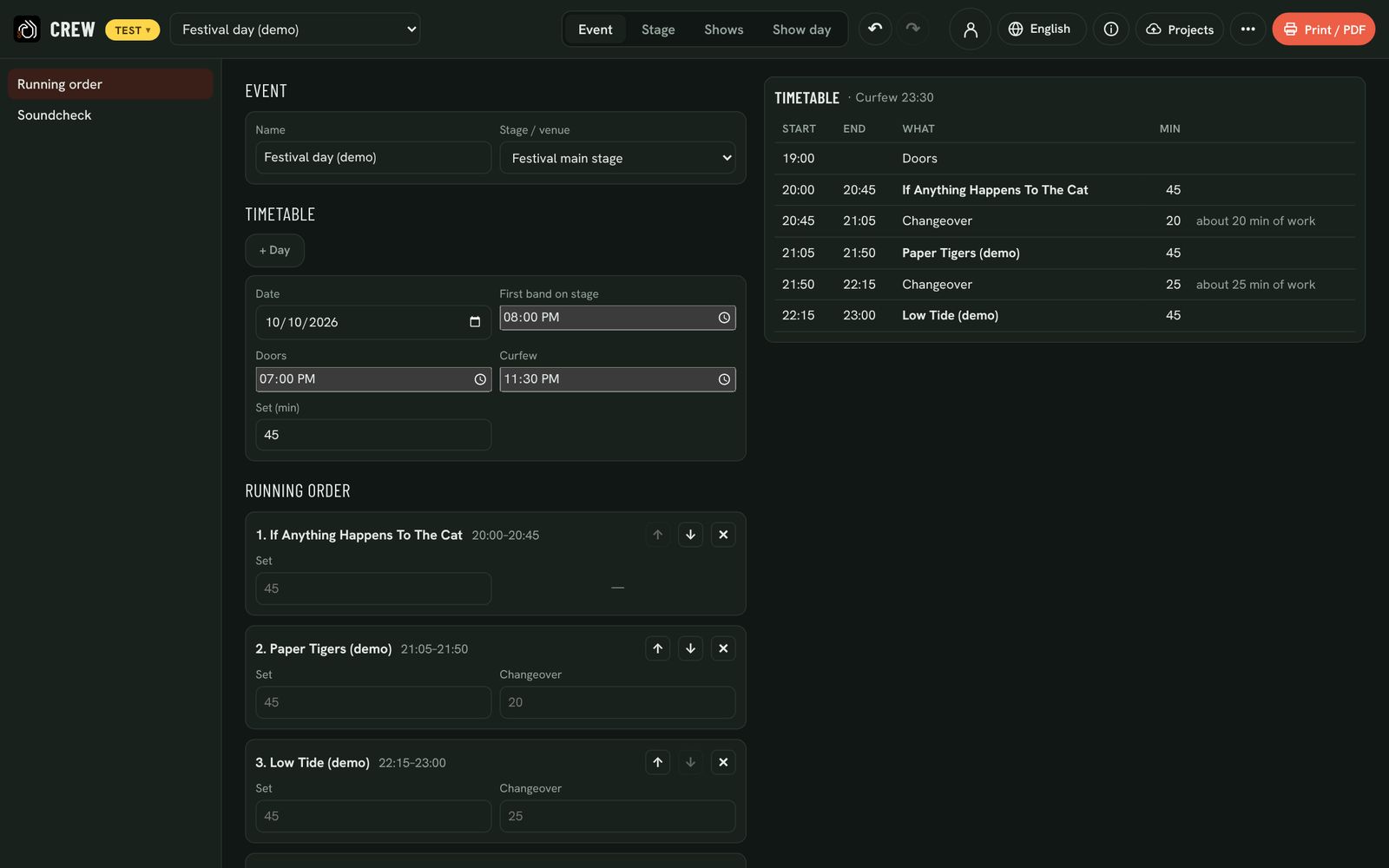
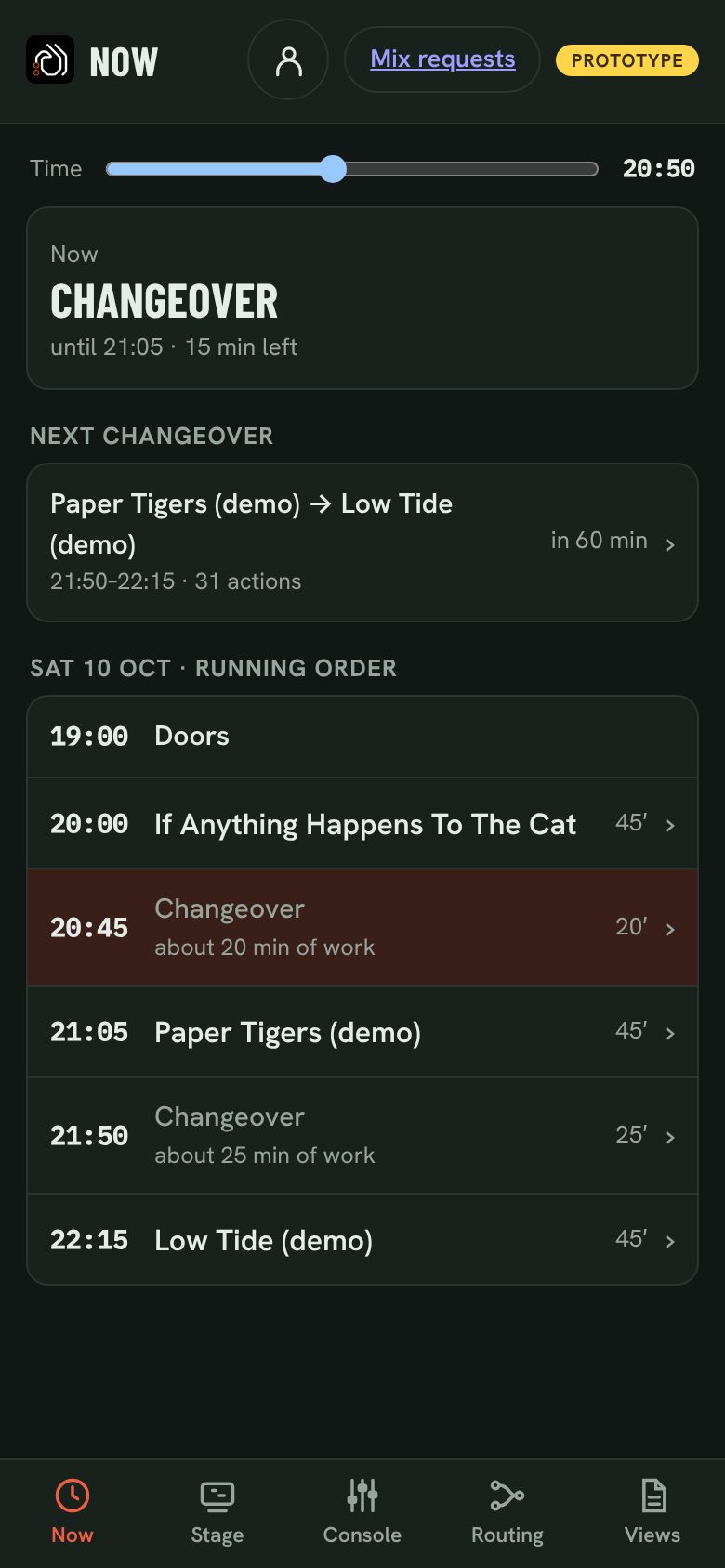
Set when the first band goes on and the usual set length. Each changeover gets the time its checklist really needs; a soundcheck follows the band’s number of inputs. Move bands up and down, add days, set a separate soundcheck order, and print the timetable for the dressing-room door.
Exact, preferred, substitute or band brings
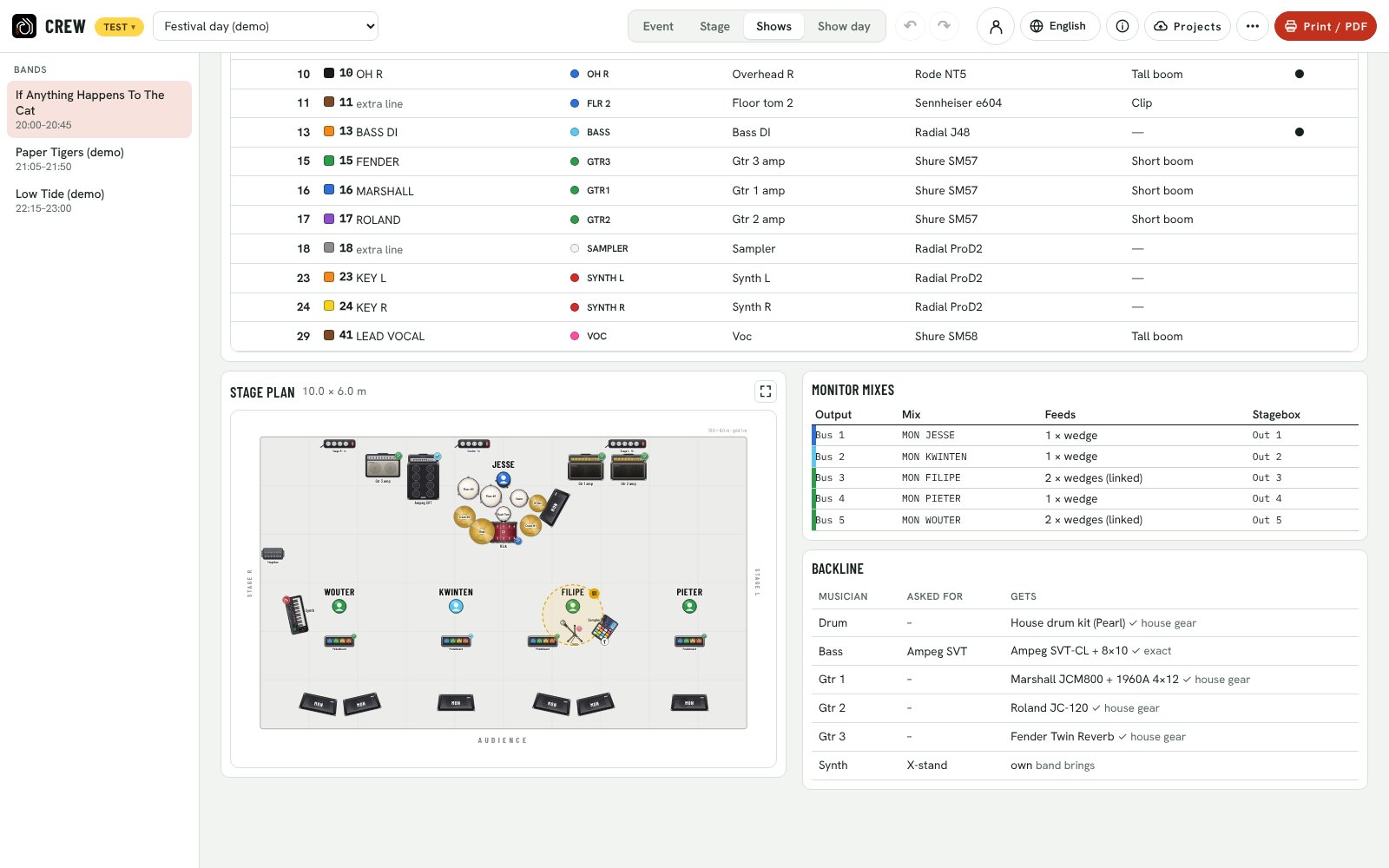
Keep your backline, mics, DIs and wedges in one inventory. Bands asking for an amp or kit get the best match, and you see the result per musician. A shortages button shows what is missing each day, what it is for and how to fix it. Equipment pages list what the house gives out with the peak need per day, ready for the hire company, and the side-stage list shows each band’s drum set-up for the riser.
Tape it once. It lasts the whole tour.
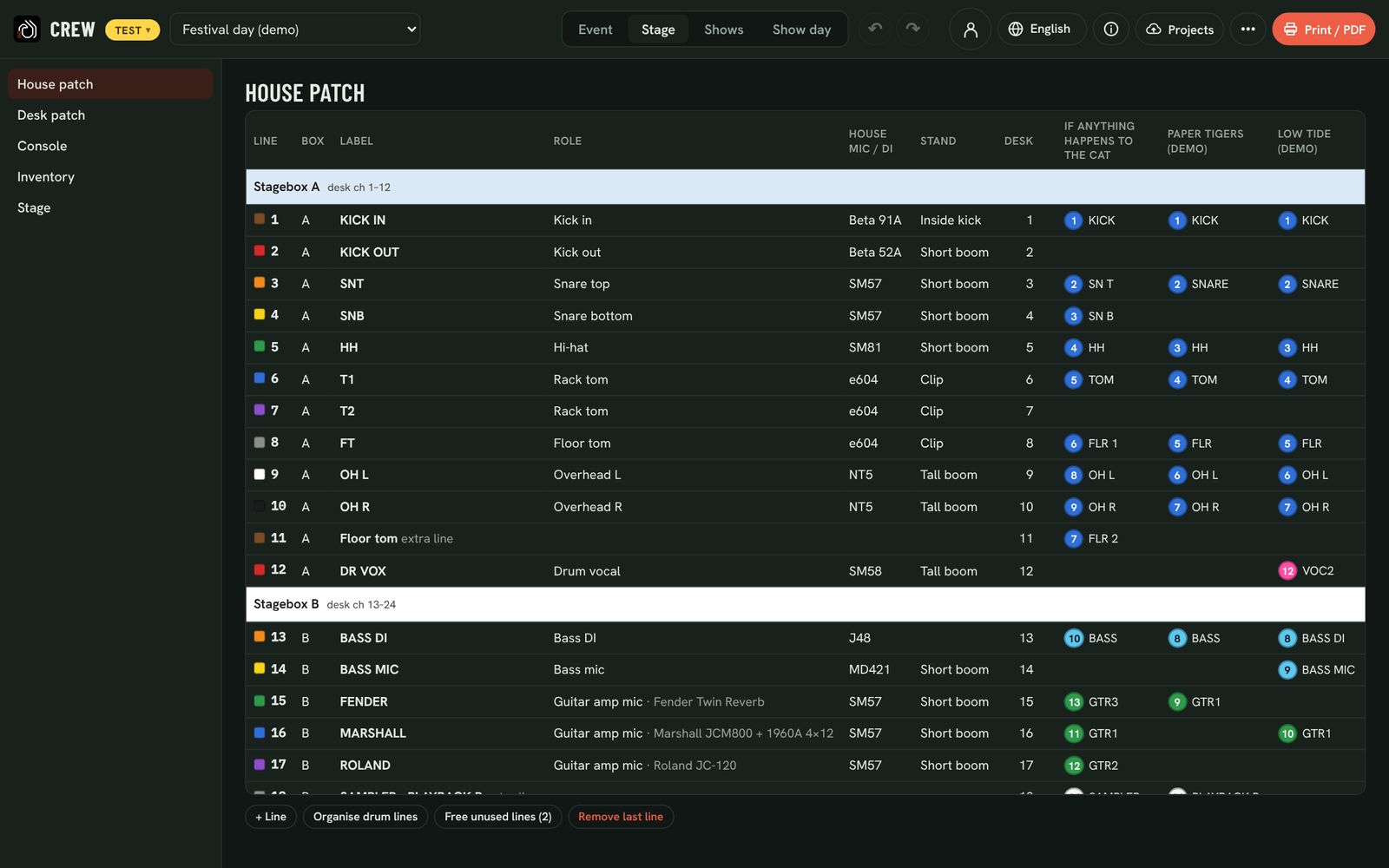
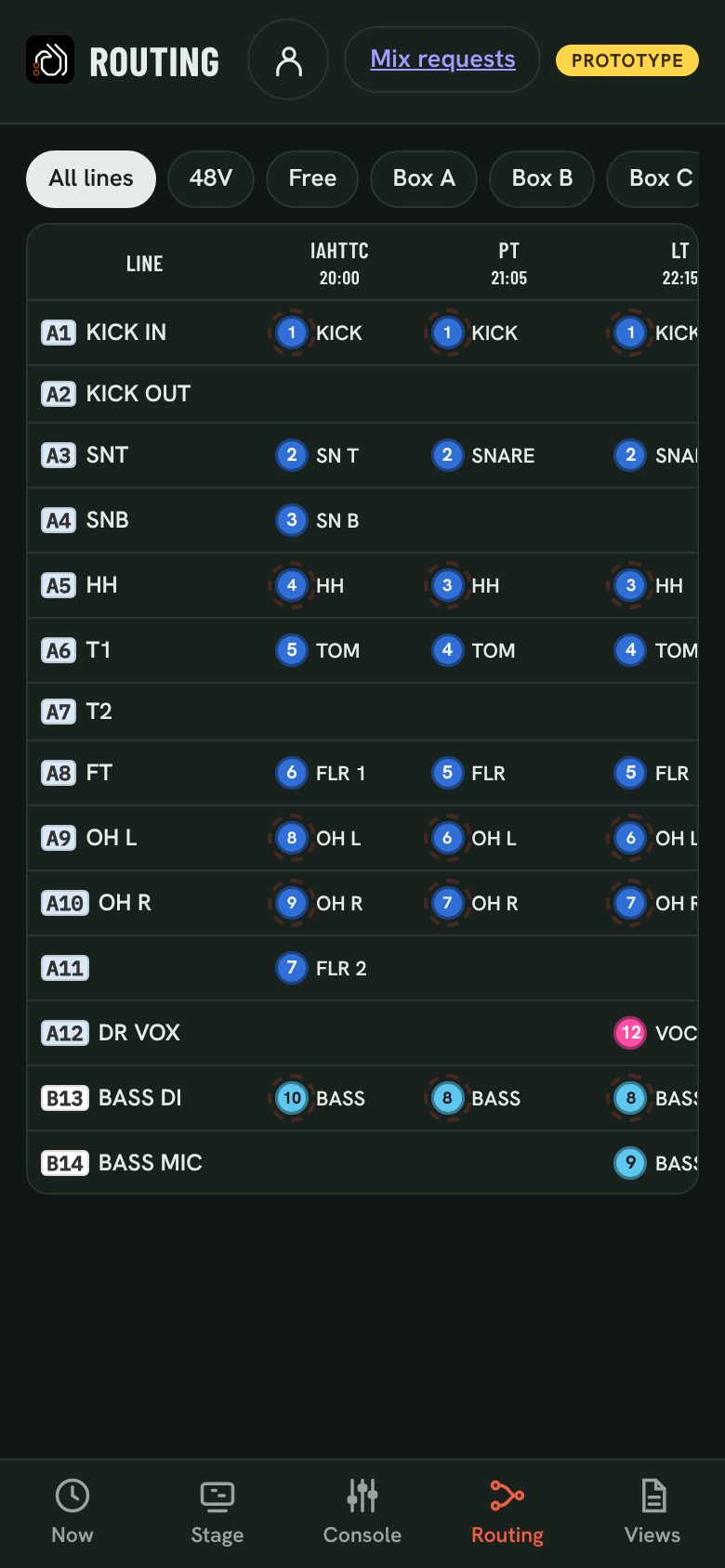
Every line has one colour, as on multicore tails, repeating every ten. Every stagebox has its own background colour, and every kind of source its own tape colour. Print a flag for each line cable, a label per stagebox and per instrument: A4 sheets of 3 × 7, with a QR code that opens the item in the crew app.
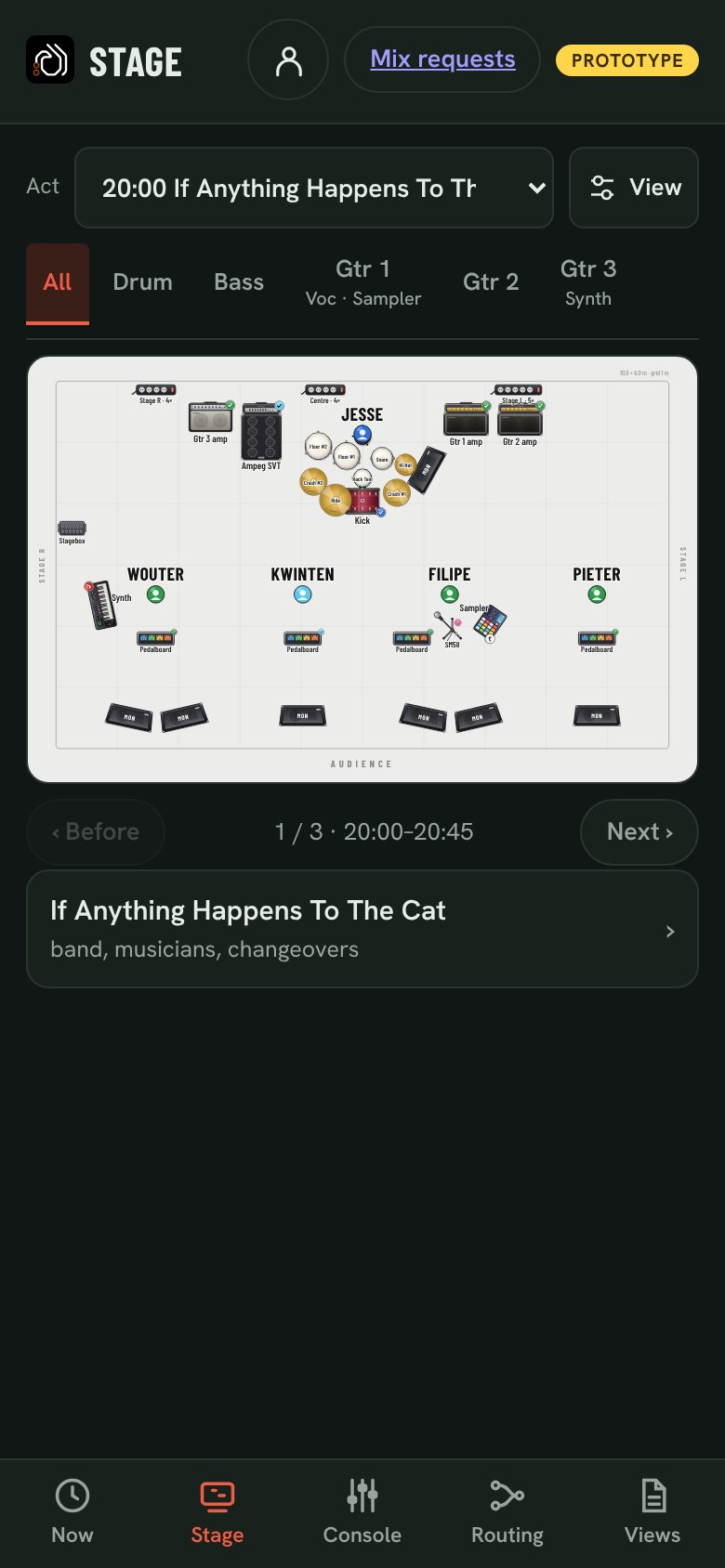
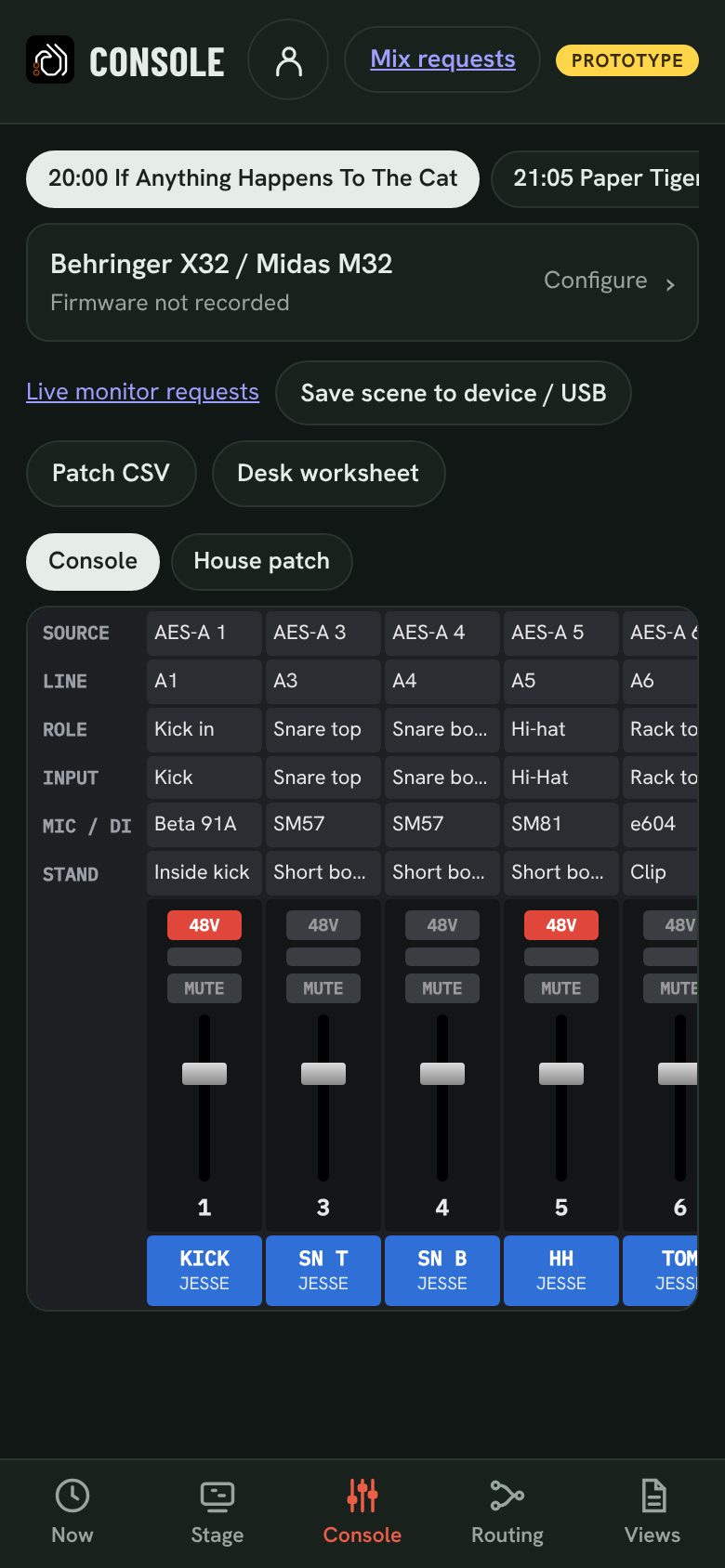
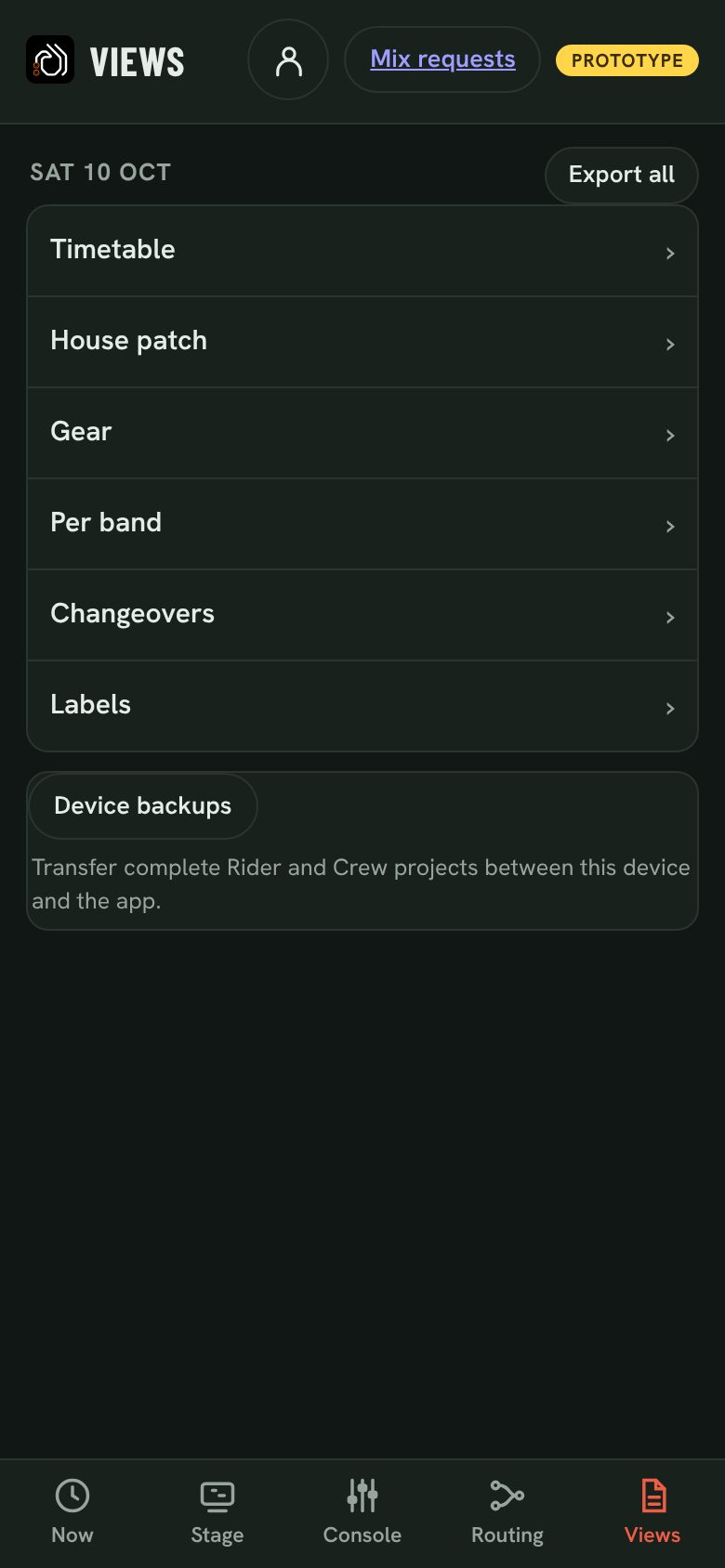
Five tabs. Every phone on the crew.
The same event as the Crew screens, on the phone in your back pocket, and offline once it’s loaded. Install it from the browser today; native iOS and Android apps are on the way.
Questions
Does every stagehand need an account?
Colleagues join your company with an invite link and open the same events. On one shared tablet at the side of the stage, one sign-in is enough.
What if a band changes their rider on the day?
Once frozen, their changes wait for your acceptance. Accept, and the patch, plan and changeover lists update; decline with a note and nothing on your stage moves.
Does it work in a basement with no signal?
Yes. Once the event is loaded the crew app and the checklists work offline on that device.
Can I still print everything?
Timetable, house patch, equipment, per-band pages, changeovers and labels print as A4 or PDF, in the language the crew reads.